- This article is about LEGO.com profile minifigures. For other uses, see Avatar.
Starting in the early 2000s, LEGO.com user accounts began featuring a Minifigure avatar associated with their profile.
Profile Avatars
2003-2009 Era
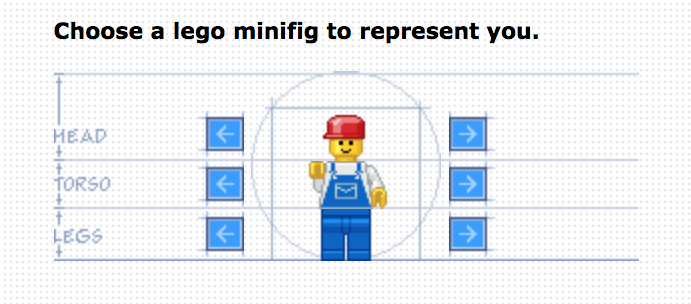
Profile Avatar Customizer
Users registering or updating their account on the website could choose a minifigure by toggling through the options using Left and Right arrow buttons. This caused the experience to take some time in getting the desired elements for the avatar. There were over 230+ head elements (consisting of combination head and hat pieces), 35+ torso elements, and 25+ leg pair elements available to choose from.
The head piece options included the classic standard head, classic mustache head, black shades head, skeleton skull, 3626bpx134, 3626bpa6, 3626bpa3, and several others, some of which were just modifications of existing heads with a red lipstick addition. The hat accessory options included color variants of the cap, helmet, high cone hat, ninja head wrap, royal crown, chef's hat, arctic hood, classic short hair, outback style hat, ponytail hair, police hat, top hat, cowboy hat, scuba goggles, pirate hat (2528pb01), 2446px3, 3833, and others.
Minifigure Heads


.gif "Minifigure Avatar Head - Sunglasses (Lip).gif (3 KB)")

.gif "Minifigure Avatar Head - Standard (Lip).gif (4 KB)")

.gif "Minifigure Avatar Head - Shades (Lip).gif (3 KB)")

Minifigure Torsos

Minifigure Legs

Current
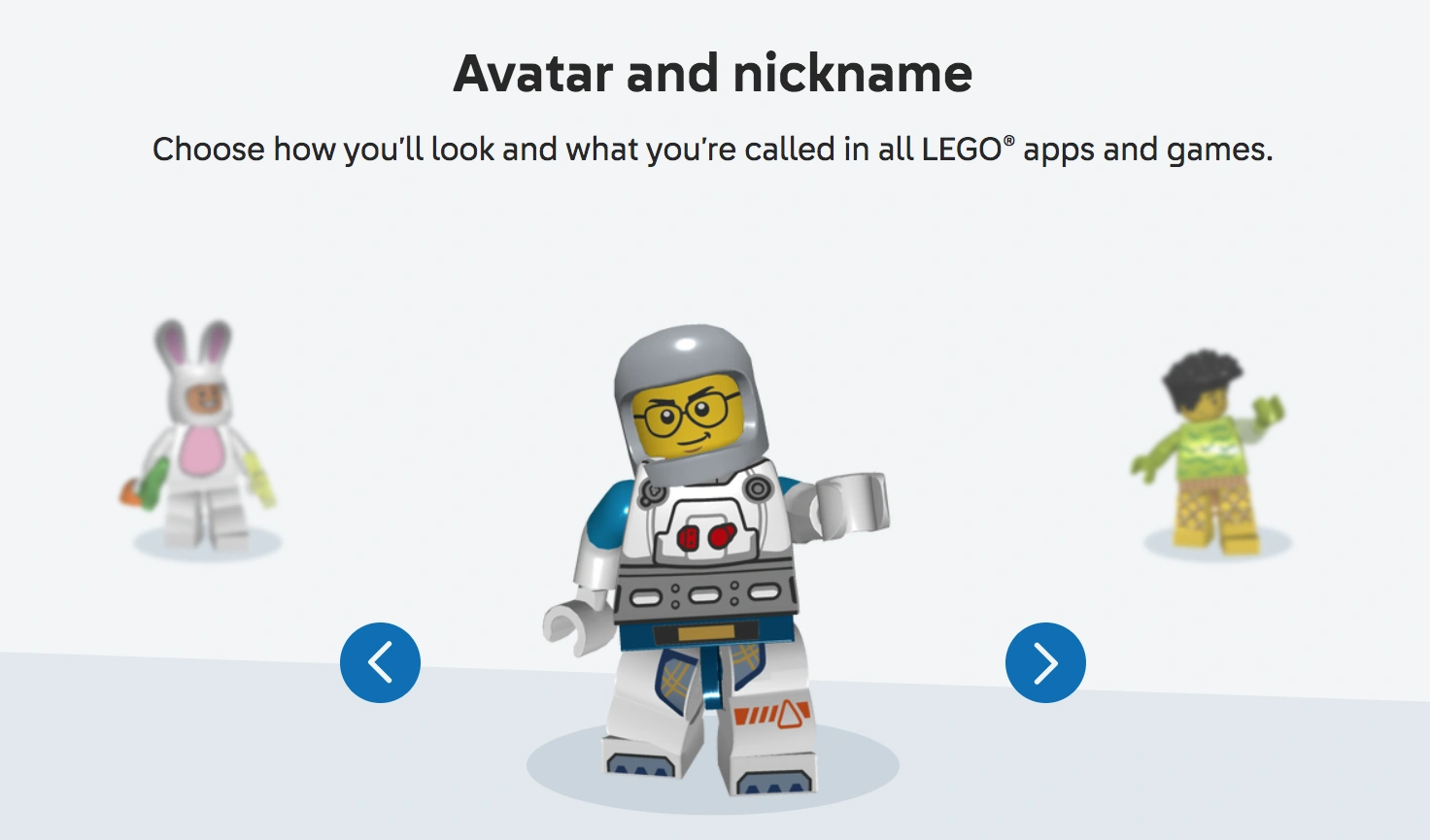
Profile Avatar Selection
Users can toggle through a selection of premade avatars to represent their profile. Unlike the former avatars, these are not customizable. There are 21 options available to choose from.


Trivia
- In the files for the original avatar elements, Captain Redbeard's head has a file name of "head89.gif", which by coincidence, coincides with the real minifigure's release year of 1989.